Customer Portal - Billing History
The Customer Portal provides you with the billing history of your HostGator account. The Order History section allows you to print and review all invoices for the lifetime of your account. Customers on a monthly billing cycle are billed every four weeks. We only show up to 3 years of order history. Please get in touch with us via phone or chat if you need more than 3 years of order history. To view or print your billing history:
- Log in to your Customer Portal.
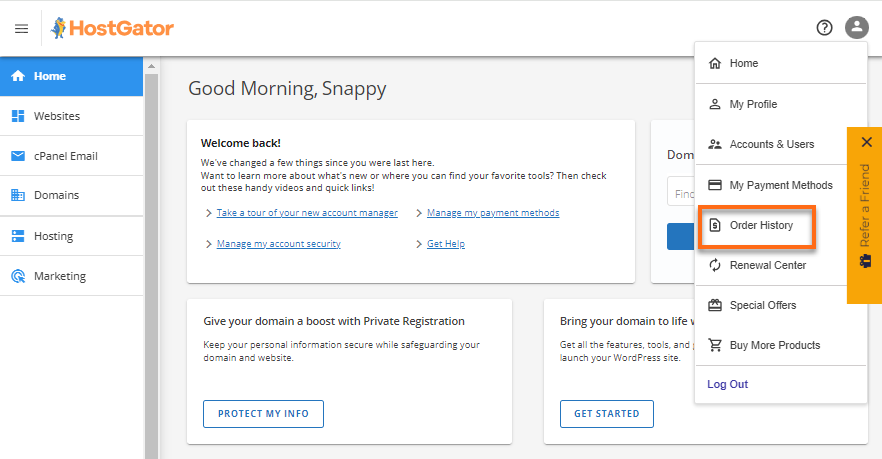
- In the top-right corner, click the profile icon and select Order History from the list of options.
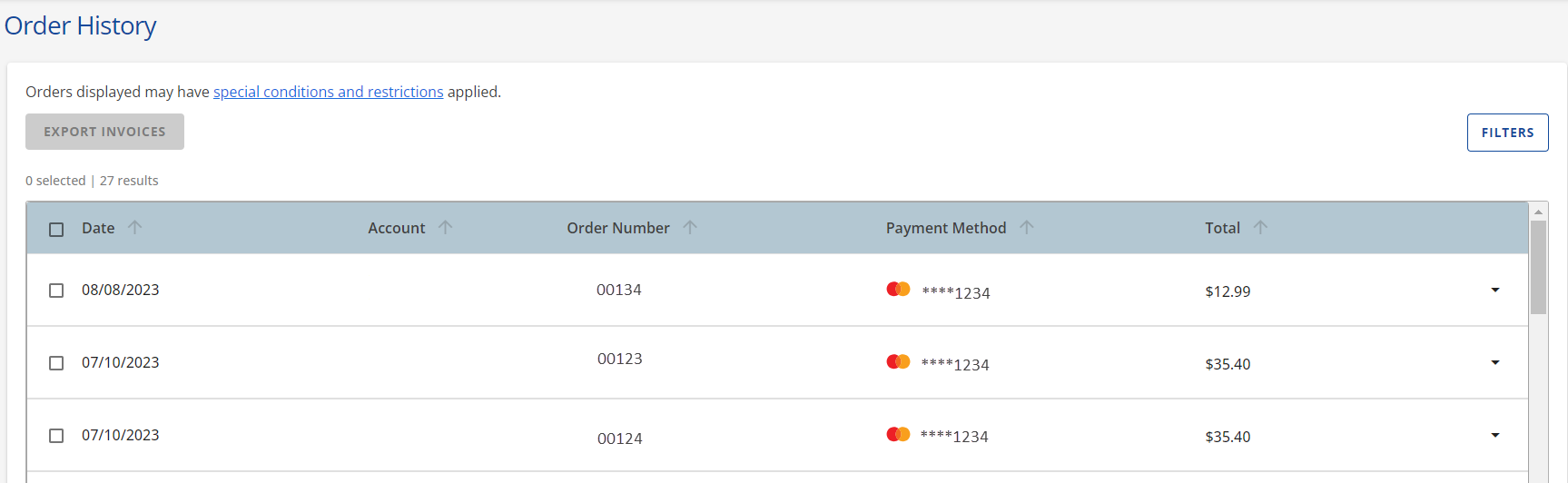
- Your account's invoices will be displayed. You can scroll through the invoices to locate a specific invoice.
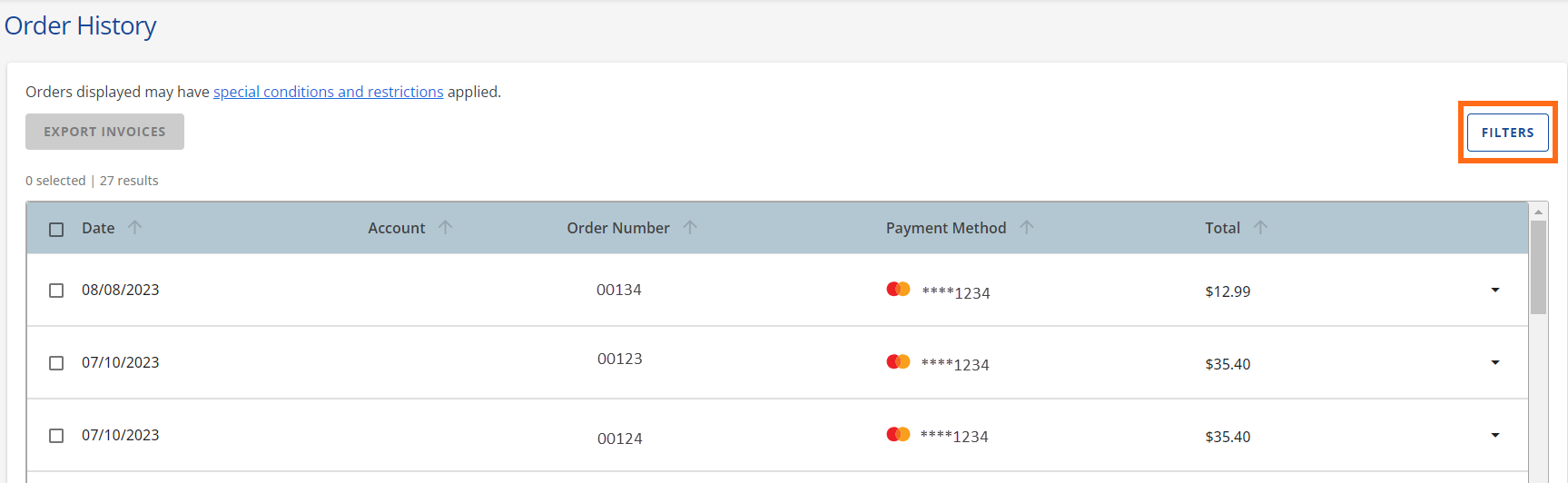
- Click on Filters to view more invoices or organize them according to the order date or payment method used.
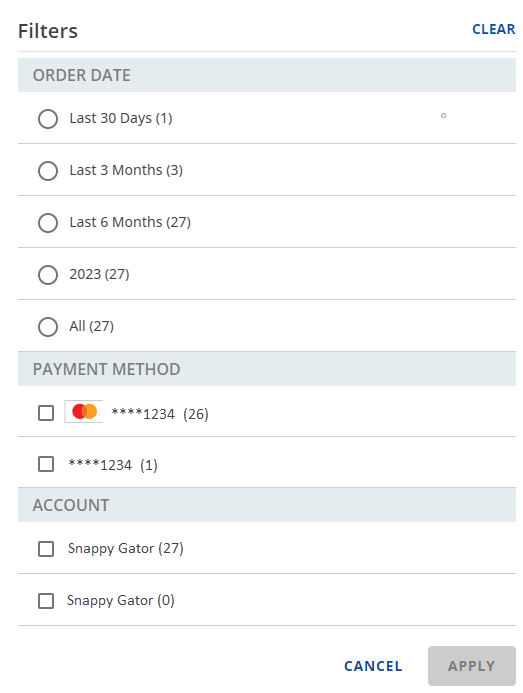
- Select your preferred filters in the pop-up window, then click the Apply button.
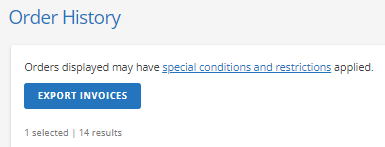
- To print an invoice, select the checkbox next to it and click the Export Invoices button at the top.
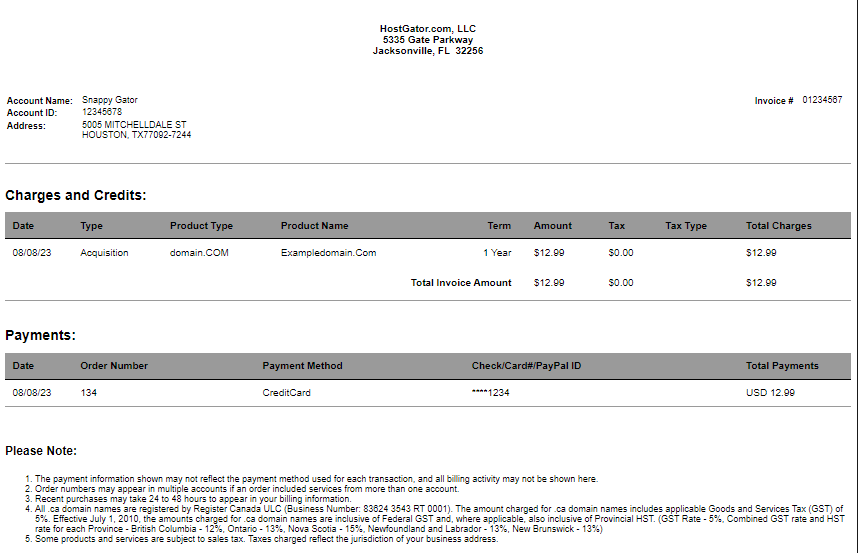
- Your invoice details will be displayed on another tab.
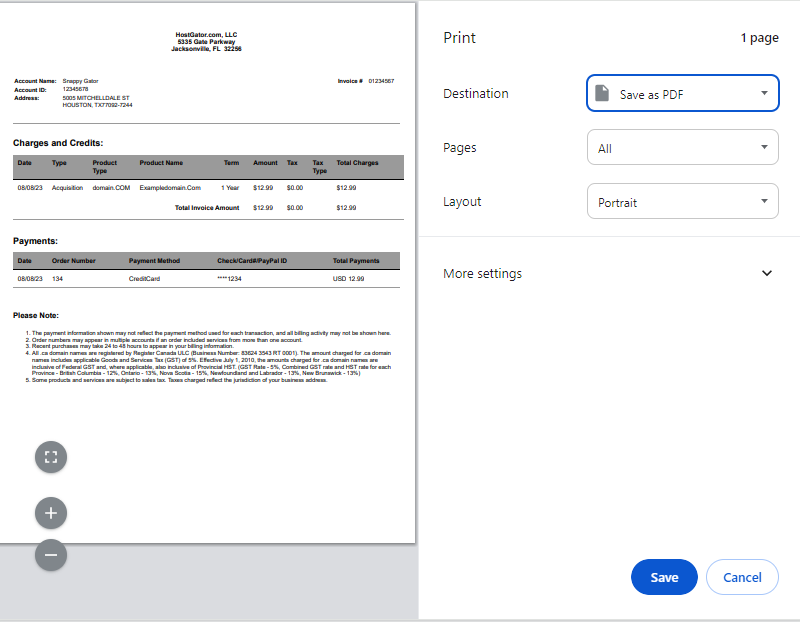
- Right-click on the invoice and select Print , or press Ctrl+P (Windows) or Command+P (Mac) on your keyboard to print the invoice.
Please visit the following support article for more details about your invoice.
- Guide to Invoices
Need assistance with your payment history? Please contact HostGator's Support via phone or chat, and we will be happy to assist you!