How to Access phpMyAdmin from cPanel
The phpMyAdmin tool supports a wide range of operations with MySQL and can be accessed via cPanel or Plesk. For instructions on how to access phpMyAdmin via Plesk control panel, please visit this article:
- How to Manage Databases With the Webadmin - Plesk
To access phpMyAdmin from cPanel:
- Log in to cPanel.
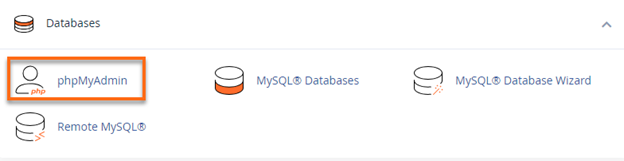
- Look for the Databases section, then click the phpMyAdmin icon.
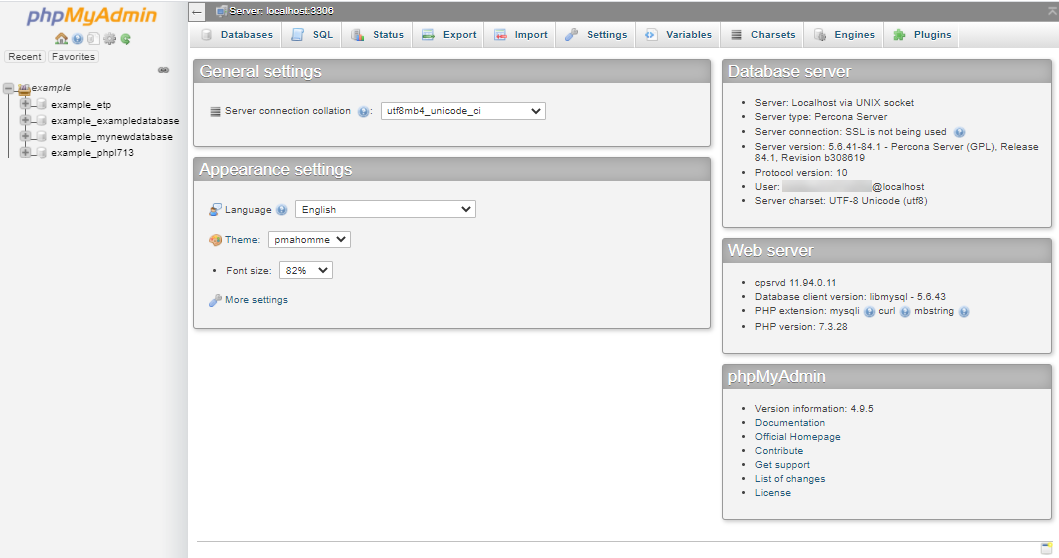
- On the next page, click your username on the left-hand side. This will display a list of your databases.
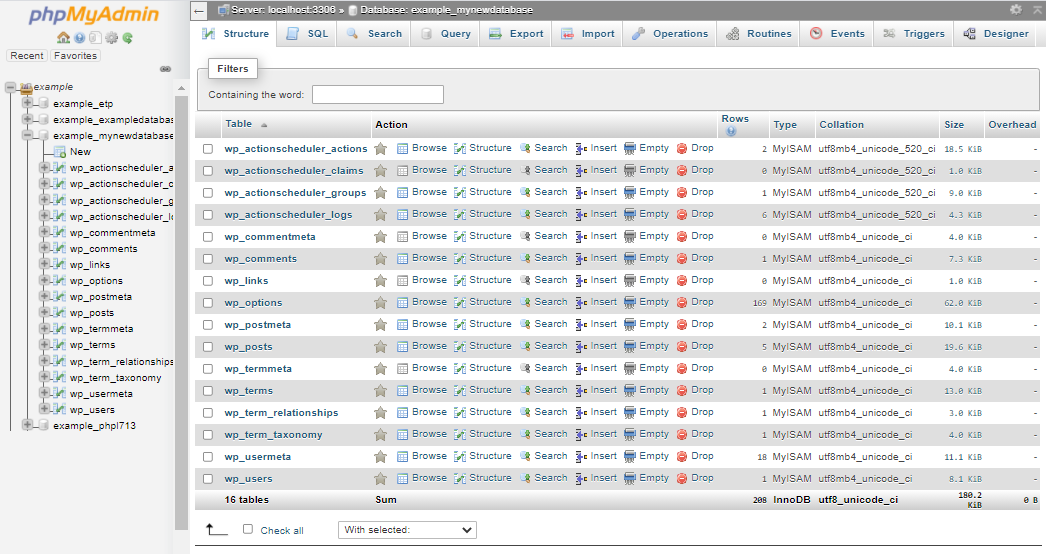
- Once you click a database name, different Actions and tabs will appear, which you can use to manage your selected database.
To learn more about the features of phpMyAdmin and its functions, please refer to these helpful guides:
- Using Databases Overview
- What is phpMyAdmin?