Setup Remote Access Key
A Remote Access Key automatically creates scripts for an account, external billing software, and other applications that need to call Web Host Manager to create, remove, or modify accounts. A Perl and a PHP module are available for applications using those technologies.
How to generate an access key
- Log in to WHM.
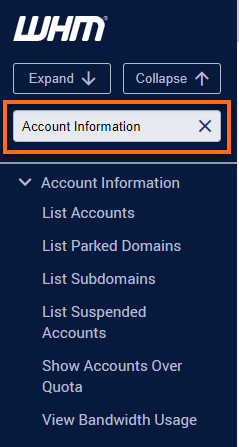
- Look for the Cluster section. The quickest way is by typing the keyword on the Search box on the left-side panel.
Alternatively, you can use the Search box at the top.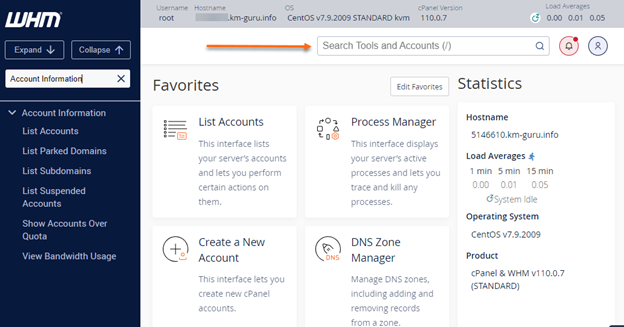
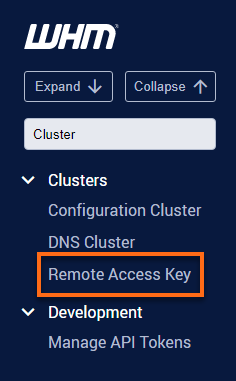
- Select Remote Access Key.
- Click on theGenerate New Key button to generate a new key.
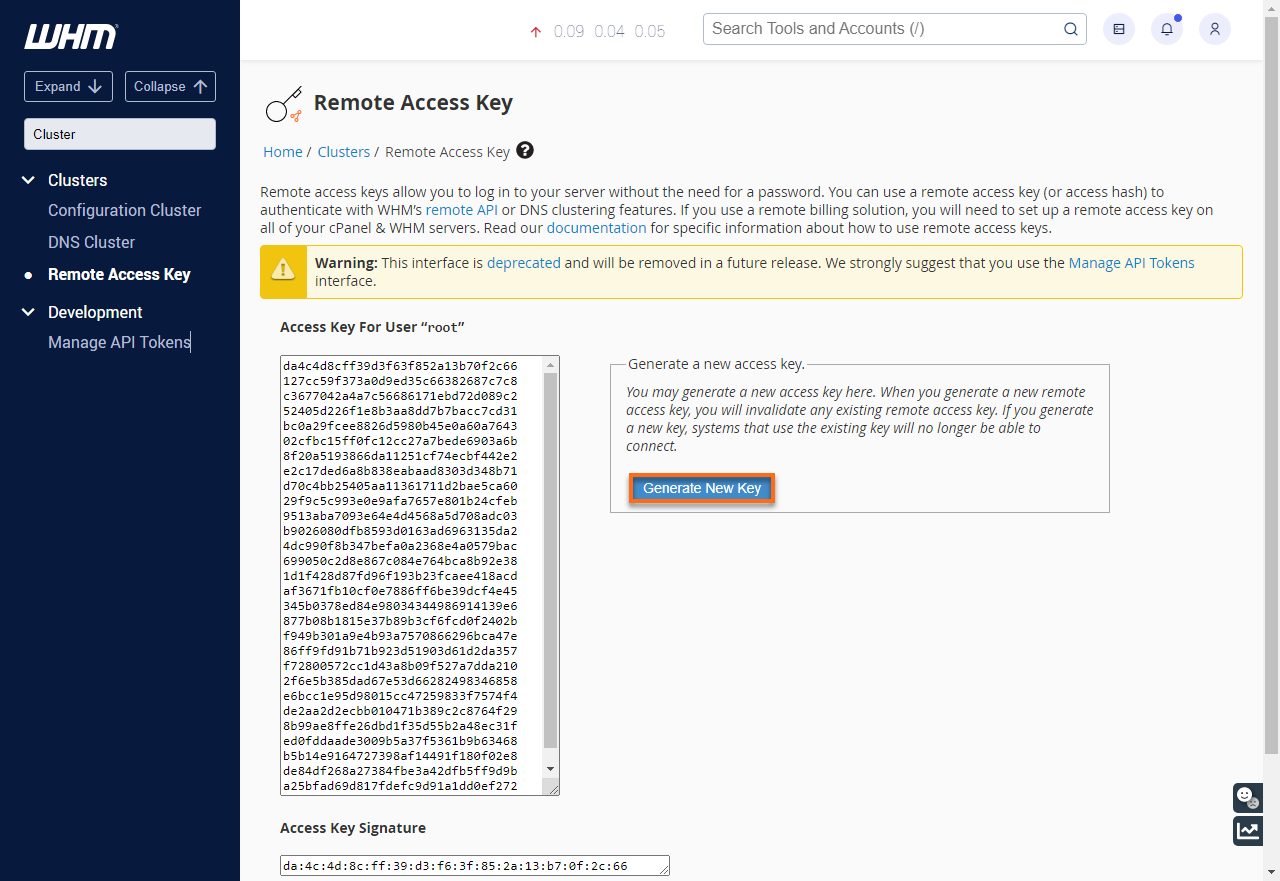
- On the appropriate file or location on the server copy and paste the new access key.